
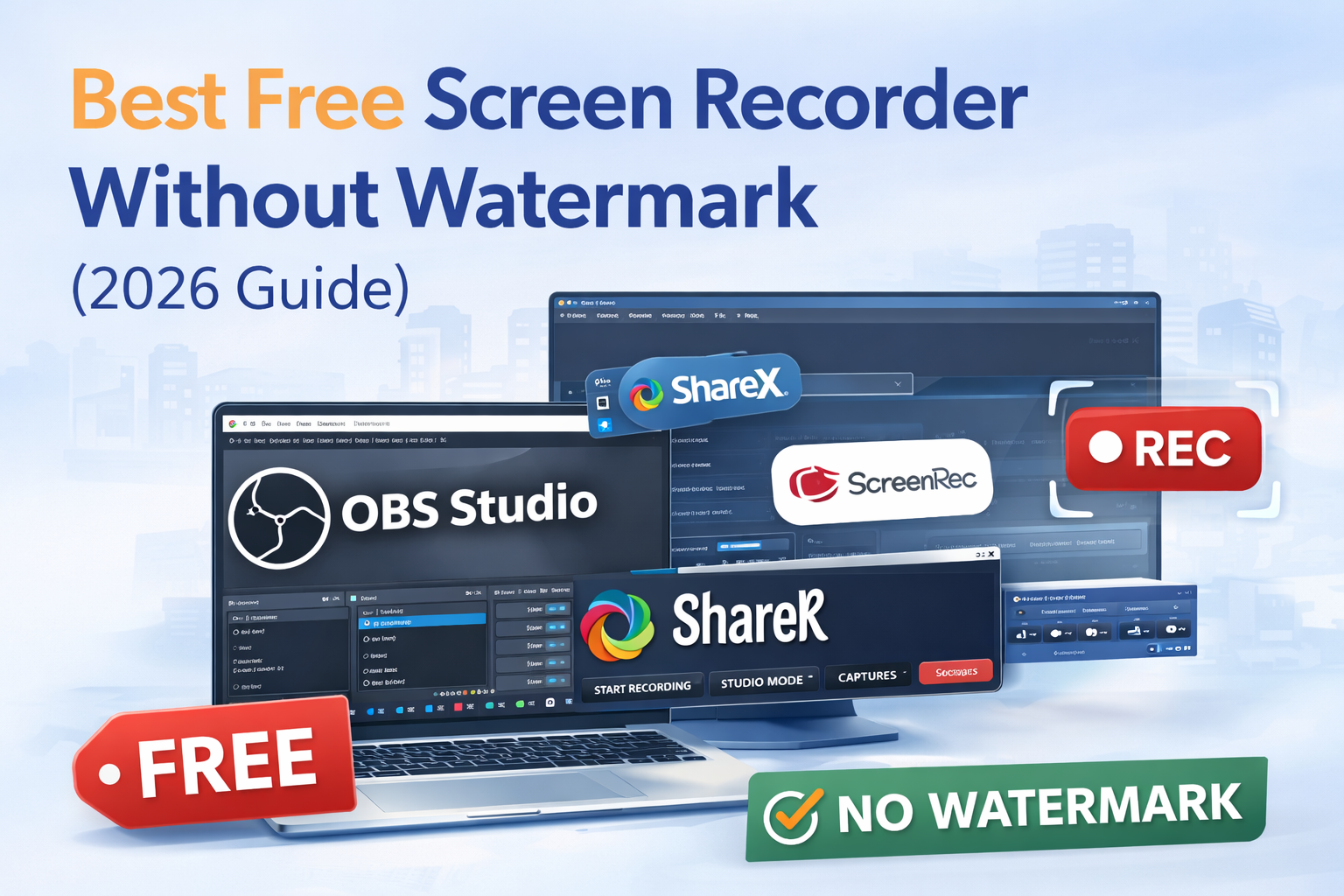
Looking for the best free screen recorder without watermark? Many free screen recording tools add branding, limit recording time, or restrict features. The good news is that several high-quality screen recorders offer full functionality completely free — without watermarks.
In this guide, we compare the best free screen recording software based on features, ease of use, and performance so you can choose the right one.
What is a Screen Recorder?
A screen recorder is software that captures your computer or mobile screen activity. It is commonly used for:
- Tutorials
- YouTube videos
- Gameplay recording
- Online meetings
- Software demos
Why Choose a Screen Recorder Without Watermark?
Using a recorder without watermark helps:
- Maintain professional video quality
- Avoid branding distractions
- Create content for YouTube or clients
- Edit freely without restrictions
Top Free Screen Recorder Without Watermark
1. OBS Studio
One of the most powerful free screen recorders available.
Features
- No watermark
- Unlimited recording
- Live streaming support
- High-quality output
Best For: YouTubers and advanced users
2. ShareX
Lightweight and fast screen recording software.
Features
- Open source
- Custom recording area
- No time limit
- Built-in editor
Best For: Windows users
3. ScreenRec
Simple interface with quick sharing.
Features
- No watermark
- Instant sharing link
- Lightweight
- Easy to use
Best For: Beginners
Techztalk used this screen recorder for youtube and short easy videos.
4. FlashBack Express
Feature-rich free screen recording tool.
Features
- Record webcam + screen
- No watermark
- Export multiple formats
- Simple UI
Best For: Tutorials
5. Bandicam (Free version)
Popular recording tool with limitations but usable.
Features
- High-quality recording
- Game recording mode
- Easy setup
Note: Free version may show branding in some cases.
Comparison Table
| Software | Watermark | Time Limit | Platform | Best For |
|---|---|---|---|---|
| OBS Studio | No | Unlimited | Windows/Mac/Linux | Advanced users |
| ShareX | No | Unlimited | Windows | Lightweight use |
| ScreenRec | No | Unlimited | Windows/Mac | Quick recording |
| FlashBack Express | No | Unlimited | Windows | Tutorials |
| Bandicam | Limited | Limited | Windows | Gameplay |
How to Choose the Best Screen Recorder
Consider these factors:
- No watermark support
- Recording quality
- Ease of use
- System performance
- Export formats
FAQ
What is the best free screen recorder without watermark?
OBS Studio is considered the best due to powerful features and unlimited recording.
Is there a screen recorder with no time limit?
Yes, OBS Studio and ShareX allow unlimited recording.
Which recorder is best for beginners?
ScreenRec is the easiest to use.
Conclusion
Choosing the best free screen recorder without watermark depends on your needs. If you want powerful features, go with OBS Studio. For lightweight recording, ShareX is a great choice. Beginners can start with ScreenRec.
It’s all about your requirements and budget.
Leave A Comment